
# Data Transfer
The Data Transfer package bulk-imports leads, persons, and products from CSV or XLSX files. It runs on Laravel's queue system so large datasets process in the background, with per-row validation, configurable error tolerance, and an editable preview before anything is written to the database.
This page covers the end-user workflow. For the package's place in Krayin's architecture, see the DataTransfer entry on the Packages page.
# 🧩 What you can do
| Feature | Detail |
|---|---|
| Queue or sync import | Background processing for large files, sync for small ones. |
| CSV + XLSX | Both spreadsheet formats supported. |
| Validation strategies | Stop on Error halts on first failure; Skip Errors skips bad rows and continues. |
| CSV delimiter | Pick between ,, ;, and others. |
| Allowed error count | Threshold before the whole import fails. |
| Create / Update / Delete | Pick the operation per import. |
| Editable preview | Review and fix rows before committing. |
# 📁 Run an import
# 1. Open Data Transfer
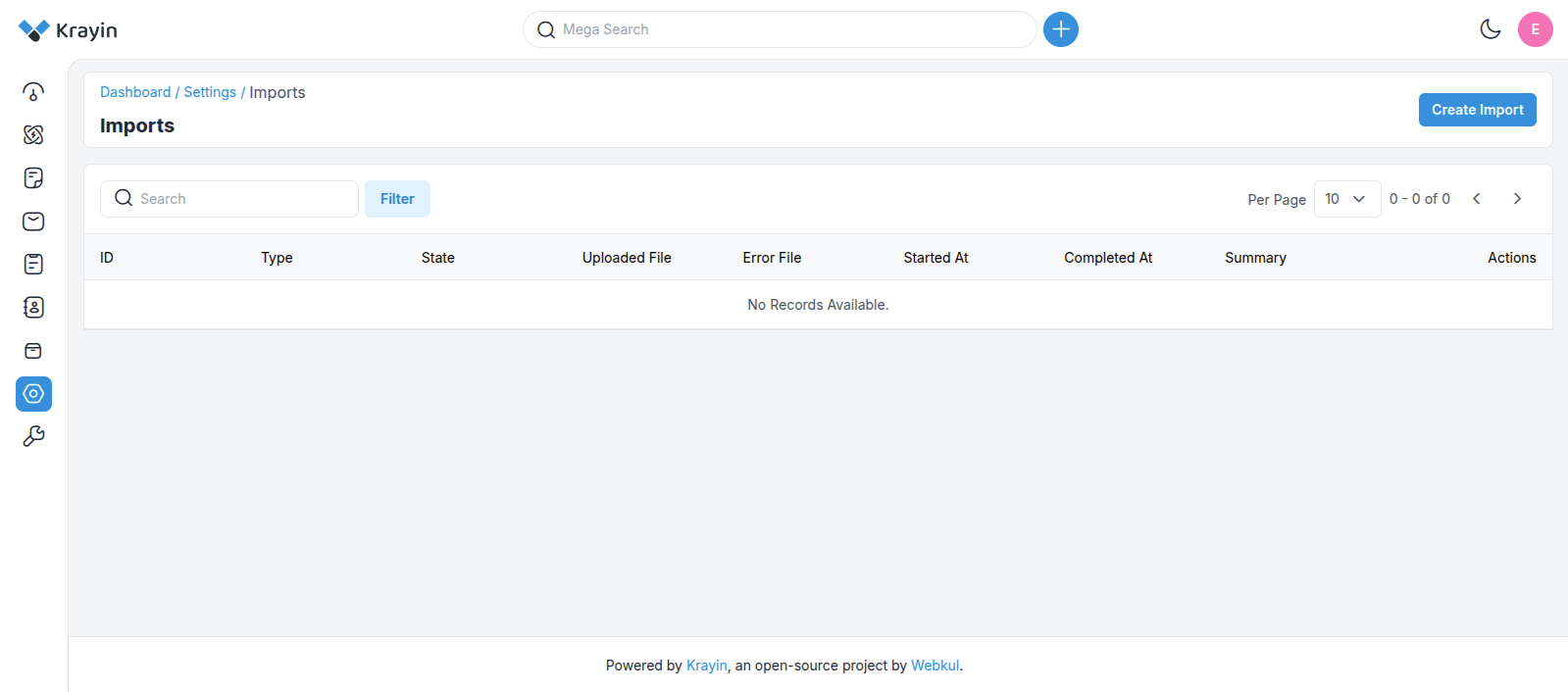
In the admin:
- Open Settings.
- Search for Data Transfer.
- Click it to land on the index page.
# 2. Configure the import
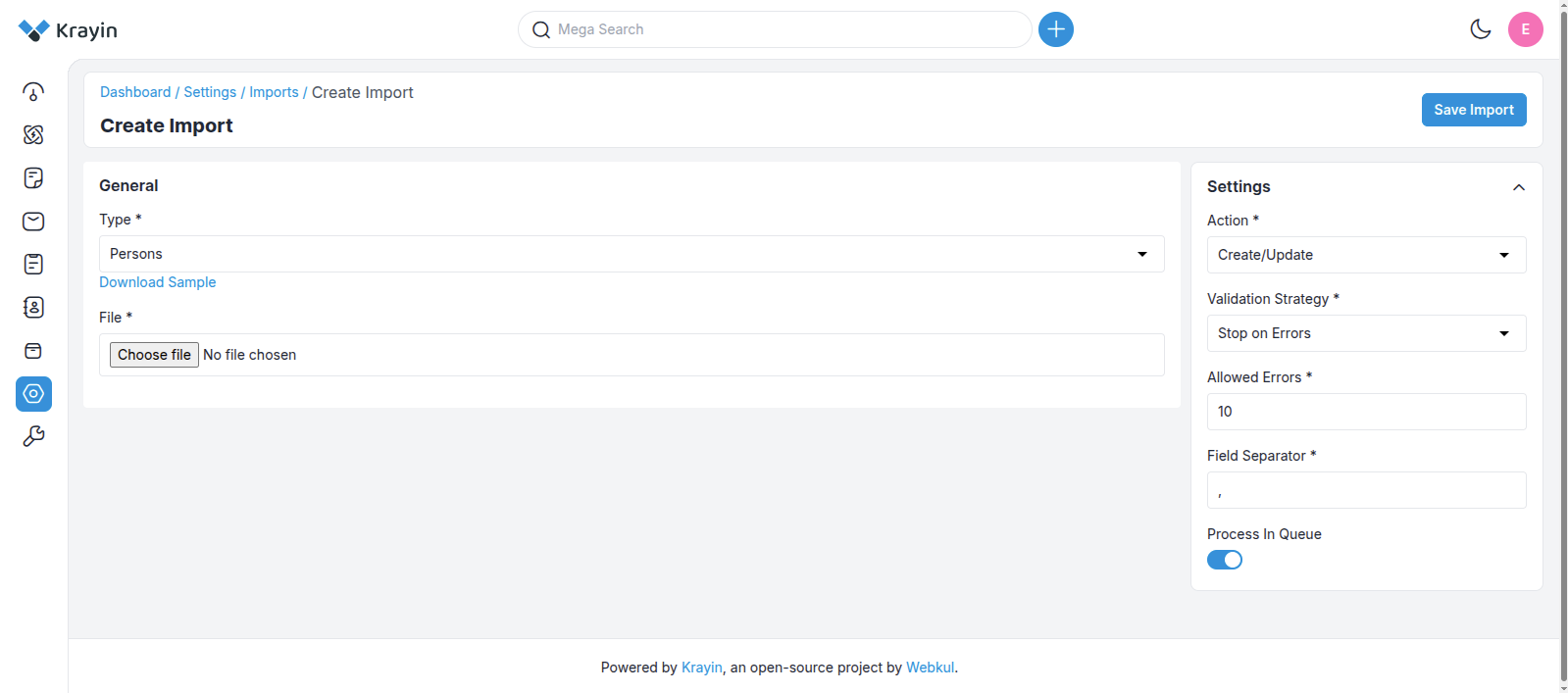
The Create page has two columns — the file on the left, the run-settings on the right.
# Left column — file
- Download a sample CSV — pick the entity type and click Download Sample. This gives you a column-correct template.
- Edit the sample with your actual data.
- Upload the modified file via the file input.
# Right column — settings
- Action —
Create,Update, orDelete. - Validation Strategy —
Stop on ErrororSkip Errors. - Allowed errors — how many bad rows before the run fails.
- CSV field separator —
,or;(or your custom delimiter). - Process in Queue — toggle on for large files.
Queue connection
If you enable Process in Queue, set a working QUEUE_CONNECTION in your .env first:
QUEUE_CONNECTION=database
or
QUEUE_CONNECTION=redis
Click Save Import to continue.
# 3. Review the preview
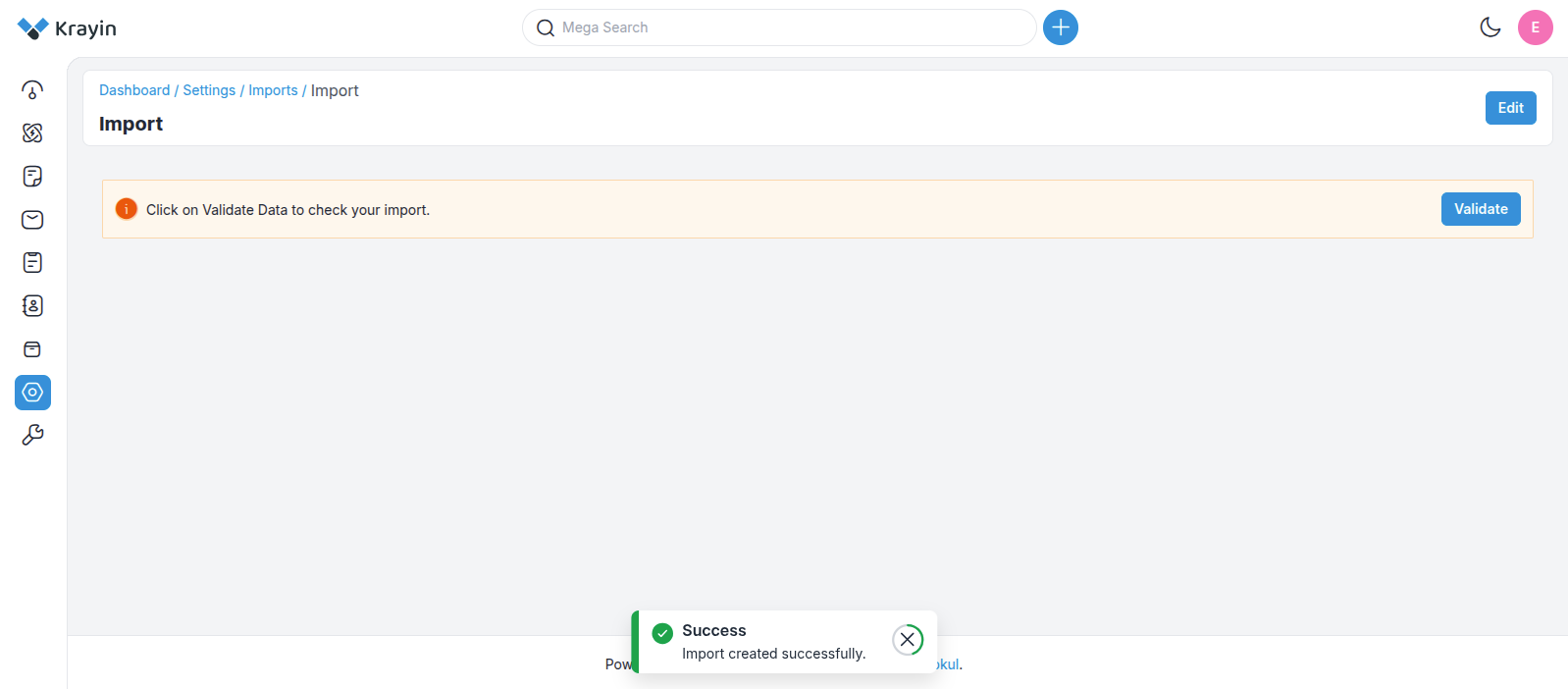
You land on the Imported page where you can:
- Preview every row.
- Edit individual entries before committing.
This is the last chance to fix data before it hits the database.
# 4. Validate
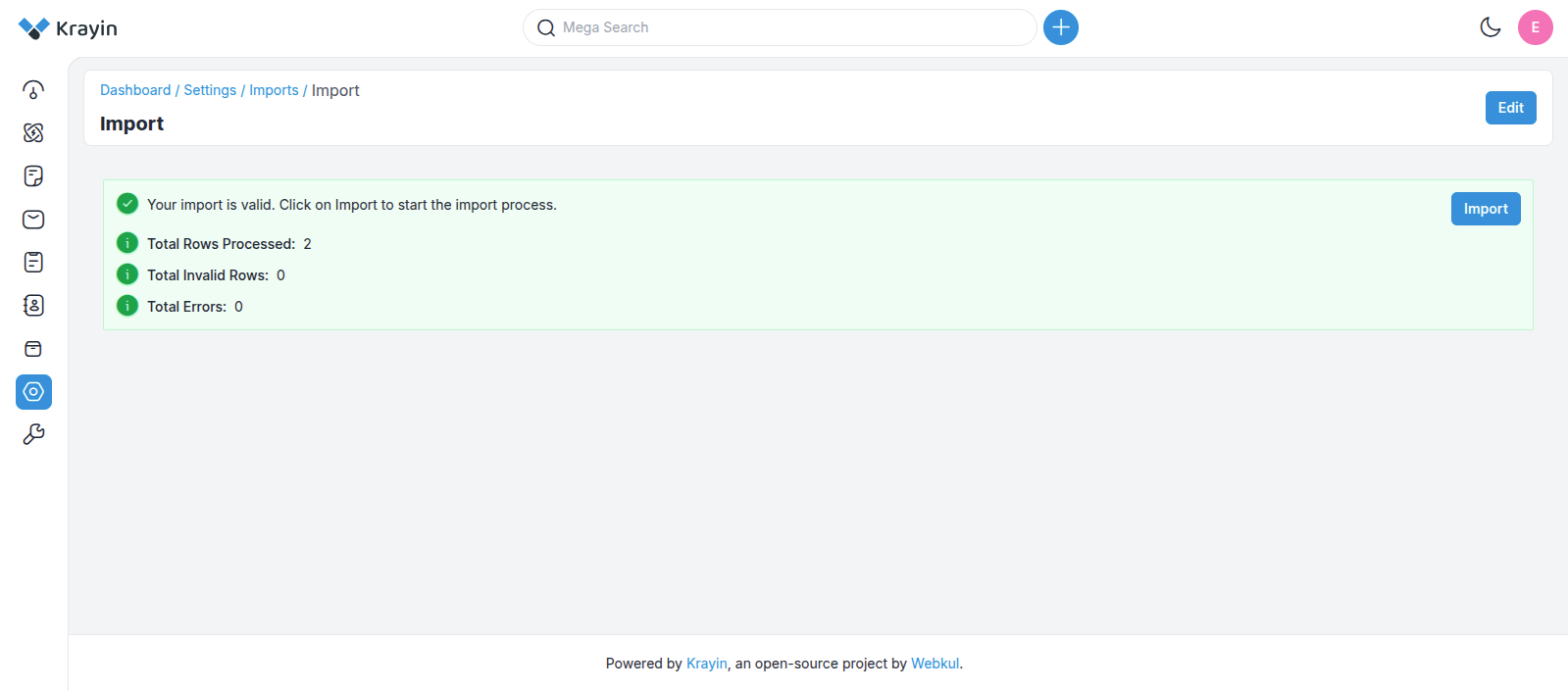
The validator runs against the rules for the chosen entity (leads / persons / products). Anything wrong is listed with the offending row and field — fix and re-validate.
# 5. Commit
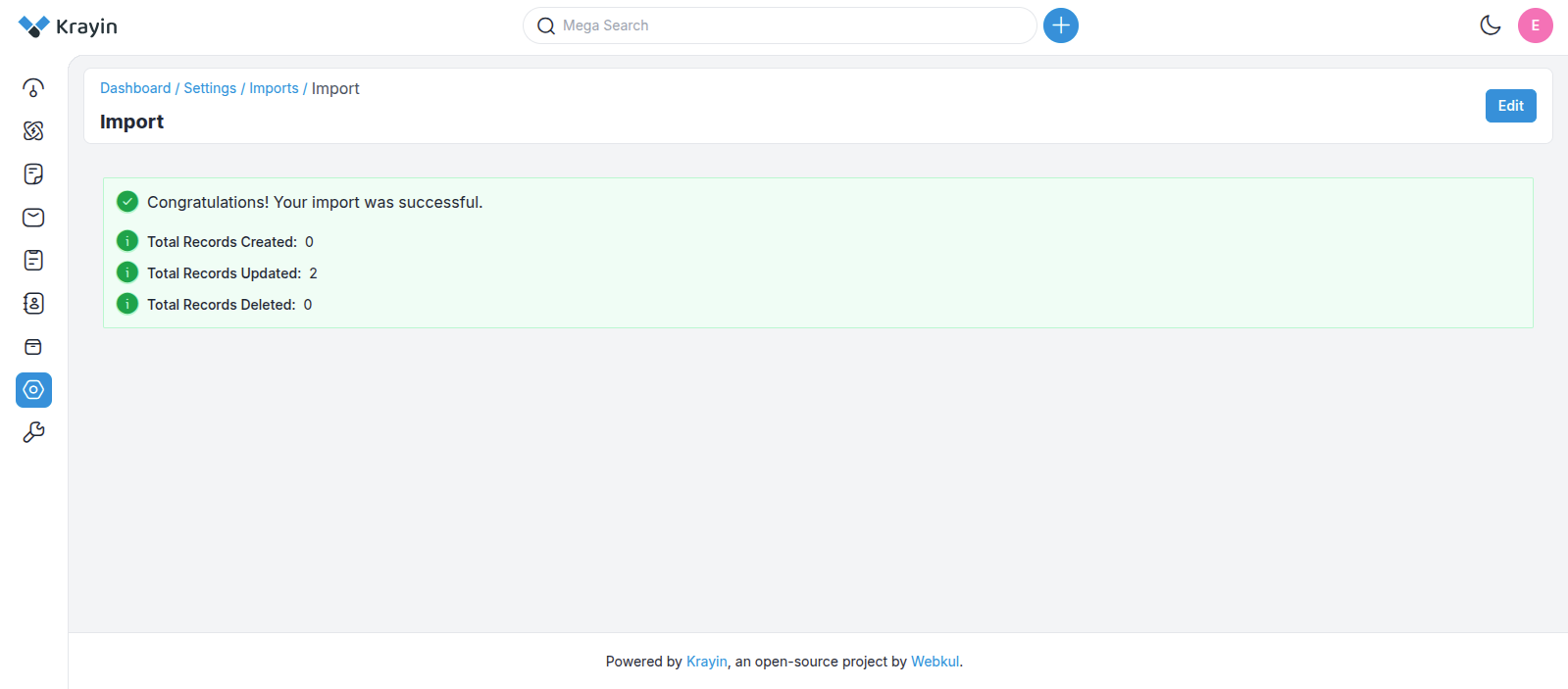
When validation passes, the records are written. The new entries appear in the matching list view in the admin.
# ⚙️ Queue worker for large imports
Queued imports need a running worker. Two ways to keep it alive:
# Option A — Supervisor (recommended for production)
Install Supervisor:
sudo apt install supervisor
Drop a config at /etc/supervisor/conf.d/laravel-worker.conf:
[program:laravel-worker]
process_name=%(program_name)s_%(process_num)02d
command=php /path-to-your-project/artisan queue:work --sleep=3 --tries=3 --max-time=3600
autostart=true
autorestart=true
stopasgroup=true
killasgroup=true
user=your-username
numprocs=8
redirect_stderr=true
stdout_logfile=/path-to-your-project/worker.log
stopwaitsecs=3600
Tell Supervisor to pick it up and start it:
sudo supervisorctl reread
sudo supervisorctl update
sudo supervisorctl start 'laravel-worker:*'
# Option B — Manual (development only)
php artisan queue:work
You can also tune queue behaviour in config/queue.php.
# 🛡️ Error handling
- The allowed errors threshold caps how many bad rows the run will tolerate.
- Hitting the threshold fails the run before any data is committed.
- A detailed error report shows the failing rows and which validation rule each one tripped.
# 🔌 CRUD operations during import
| Action | What it does |
|---|---|
| Create | Inserts new rows. Skips rows whose unique key already exists. |
| Update | Modifies existing rows matched by identifier. |
| Delete | Removes existing rows. A validation error is raised if a referenced row doesn't exist. |
# 🧪 Verify
After a queued import:
php artisan queue:work --once
tail -f storage/logs/laravel.log
Check the imported rows appear in the relevant list view (Leads / Persons / Products). If a queued job appears stuck, confirm the worker is running with supervisorctl status (or ps -ef | grep queue:work).